How to Use Apple and Google's New AI Tools to Create Content
A simple guide to using Apple and Google's new AI tools (Gemini Omni, Nano Banana and the new Photos features) to create better content.
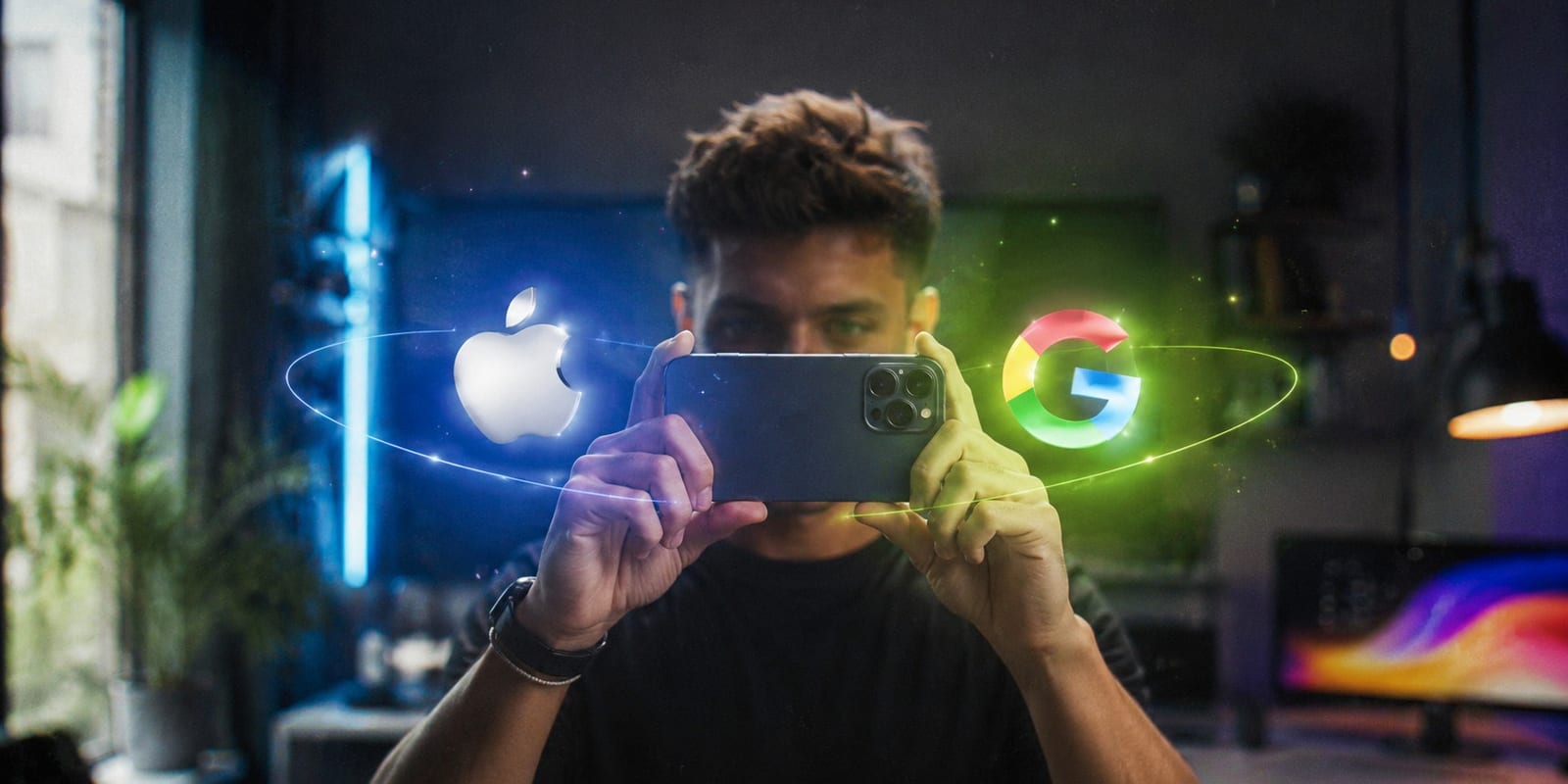
New AI tools stopped being a promise this year. In May and June 2026, Google and Apple shipped a batch of features that change how content gets made on a phone. Here is what each one does, how to fit them into your workflow, and what to check before you hand a deliverable to a brand.
Quick overview of the new AI tools
| Tool | What it's for | Availability |
|---|---|---|
| Gemini Omni Flash | Generate and edit video from text, images, audio or a clip | Available now |
| Nano Banana | Create images, icons, logos and stickers | Available now |
| Gemini 3.5 | Brainstorm ideas, scripts and variations of a concept | Available now |
| Apple Photos (Clean Up · Extend · Reframe · Enhance) | Clean up, expand and reframe photos and shots | Coming this fall with iOS 27 |

AI tools do not replace the camera. They handle the repetitive work around it. Photo by Vitaly Gariev on Unsplash.
Google: Gemini Omni for better video
Google announced Gemini Omni at I/O on May 19, 2026. You feed it text, an image, audio or an already-recorded clip, and it returns video. Google used to have one app per task. Omni brings it into one place.
The first model in the family is Gemini Omni Flash. It generates clips of up to 10 seconds, with audio included.
For a creator, that means you can sketch a rough idea and get usable b-roll back. Or turn a single shot into a few variations without setting up a new scene. It does not replace your own footage. It fills the gaps around it.
The useful part is chat-based editing. You ask for changes in writing, like a conversation, and the model keeps the same elements across steps. Remove the background. Change the color of a garment. Stretch a shot by two seconds. Motion stays coherent between edits instead of resetting with every new prompt.
Where to use it. It ships in the Gemini app for AI Plus, Pro and Ultra plans, and in Google Flow. The part that matters most: it is free inside YouTube Shorts and YouTube Create.
How to write better prompts
These AI tools deliver in proportion to how you ask. Four rules:
- Describe the shot, not the scene. "Close-up of hands opening a box, window light" beats "someone opens a product."
- Ask for one change at a time. Bundle three requests and it will usually land one.
- Name the style. "Handheld," "locked-off," "late afternoon light." These are instructions the model understands.
- Iterate on the same clip. Do not start from scratch each time. That is the whole point of chat-based editing.
Nano Banana for graphics, Gemini 3.5 for ideas
Nano Banana handles the visual bits and pieces: images, icons, logos and stickers. It is the fastest way to produce the small graphic assets a video needs, without opening a design tool or hiring out every overlay.
Gemini 3.5 is the thinking part. Use it to brainstorm, draft scripts, and spin one concept into several variations. It is the step most creators skip, and the one that saves the most time.
Apple's AI tools: cleaner photos and shots
Apple's update, announced at WWDC on June 8, is mostly about fixing footage you already have. Four Photos features stand out, grouped under a new Apple Intelligence section:
- Clean Up. Removes unwanted objects from a shot. It got a significant upgrade and now handles complex backgrounds far better. Ideal for tidying a product photo.
- Extend. Expands the image beyond its frame. Useful for going vertical to horizontal without cropping, or straightening a crooked horizon without losing anything.
- Reframe. Changes the perspective of a photo you already took, as if the camera had moved. You drag and zoom to the composition you want, and AI fills the gaps.
- Enhance. Adjusts color, lighting and overall quality in one tap.
There is also Visual Intelligence, which reads what is on your screen, and Image Playground, which generates more realistic images and backgrounds. Apple also built in Google's Gemini technology for the new Siri, so the two worlds in this article end up crossing paths.
Three things to know before you get excited. These features arrive this fall with iOS 27. They require Apple Intelligence, meaning an iPhone 15 Pro or later, or an iPhone 16 or later on the standard models. And early testing suggests Extend and Reframe still produce uneven results.
The full breakdown is in TechCrunch's coverage.
Before you hand AI-touched content to a brand
This does not appear in any announcement, and it is the part that can cost you a contract.
Always ask. Many brands prohibit AI-generated or AI-modified content in deliverables, especially when the product is on screen. Others allow it for b-roll or transitions only. Do not assume. Ask in the brief.
Disclose what you used and where. If you generated a cutaway or cleaned up a background, say so. A brand that finds out later has a legal problem, and you have a reputation problem.
Never touch the product. Modifying how a brand's product looks with AI is the line not to cross, not even to "improve" it.
Assume it is detectable. Google uses SynthID to label content generated with its models, and announced that OpenAI, Nvidia, Kakao and ElevenLabs will adopt it too. These marks are invisible but readable.
That caution is not paranoia. It is the same market logic that is making human creators more expensive as AI slop floods the feed. Brands are paying a premium for content that is verifiably human. Undisclosed AI in a deliverable destroys exactly what they paid for.
What matters: combining them
The interesting part is not choosing between Google and Apple. It is combining them in one workflow.
Think the idea through with Gemini. Generate b-roll or a graphic with Omni and Nano Banana. Shoot the real footage on your phone. Then clean it up with Apple's Photos tools.
Your camera and your style stay at the center. The AI tools take care of the repetitive work.
They are already on the table. What makes the difference is learning to use them well.
Frequently asked questions
Do I have to pay to use Gemini Omni?
Not necessarily. It is included in Google's AI Plus, Pro and Ultra plans. But it is free inside YouTube Shorts and YouTube Create, which covers most creators.
Do Apple's AI tools work on any iPhone?
No. They require Apple Intelligence: iPhone 15 Pro or later, or iPhone 16 or later on the standard models. And they only arrive this fall with iOS 27.
Can I use AI in content I deliver to a brand?
It depends on the brand. Many prohibit it in deliverables, others accept it for supporting material only. Ask before you shoot and get it in writing in the agreement.
Do AI tools replace real filming?
For UGC, no. Brands hire creators precisely because the content feels like a real person made it. AI handles what surrounds that shot: the b-roll, the graphics, the cleanup, the variations. Some formats push this further, like branded microdramas, but the face on camera stays human.
Ariel Reyes
CEO @CreatorPlace